Blog
Guides to the player
How to get the most out of Reelbox’s player: tracks, subtitles, settings and shortcuts, with pictures of the real thing.
RSS feed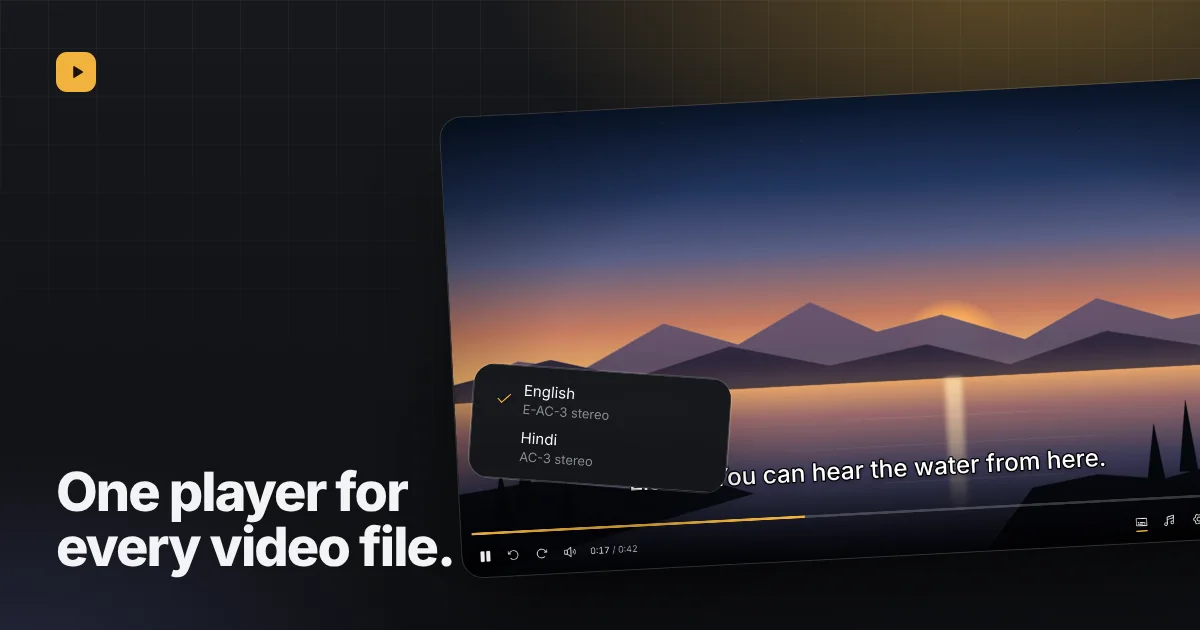
Announcement4 min read
Why we built our own video player for Telegram filesBrowsers play a short list of formats. Our player opens the rest, with every audio and subtitle track in the file.Read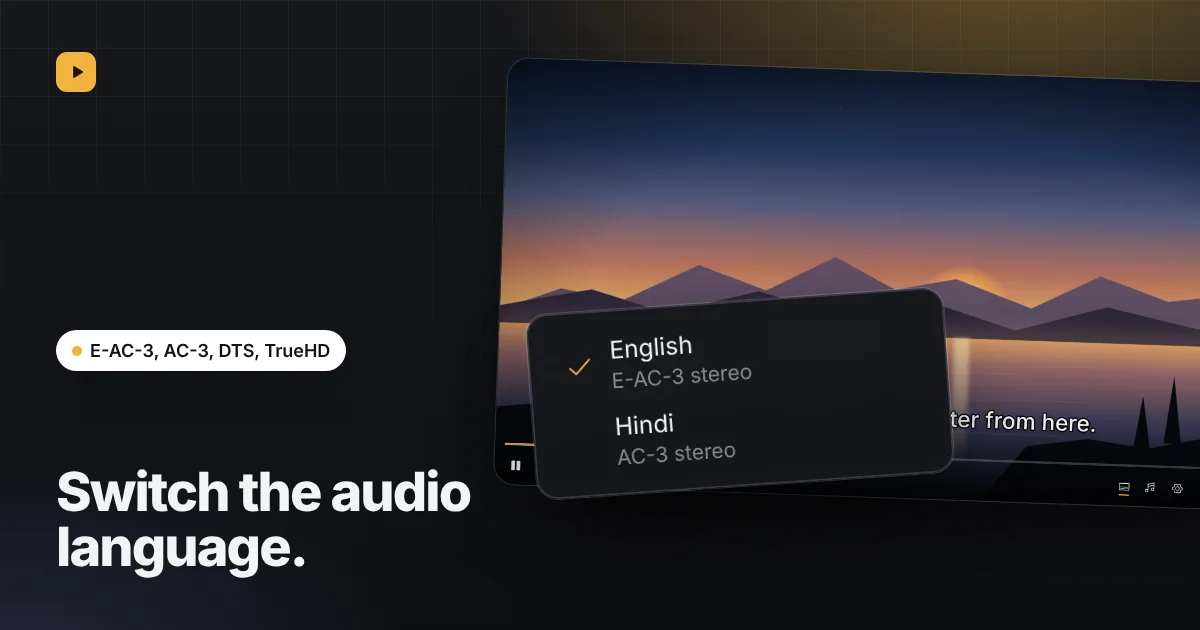
Guide3 min read
Switching audio tracks and languages in a videoMany files carry more than one audio track. How to see them, switch between them, and have your language picked next time.Read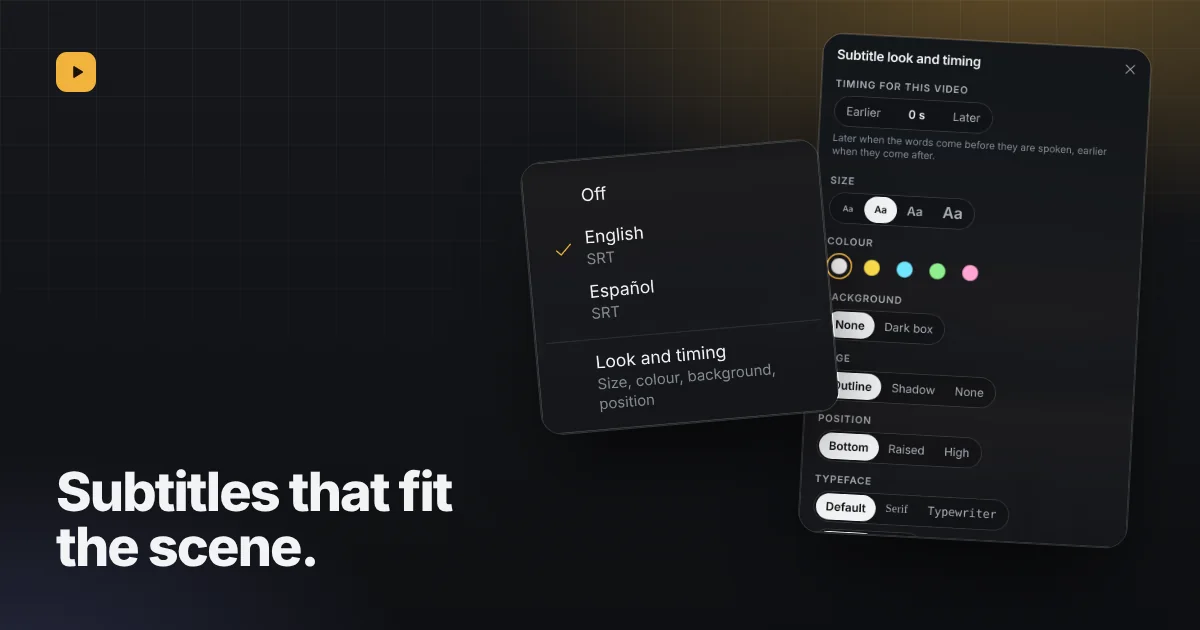
Guide5 min read
Subtitles in the player: turn them on, find them, fix themTurn on tracks stored in the file, find matching ones online, and fix lines that arrive early or late.Read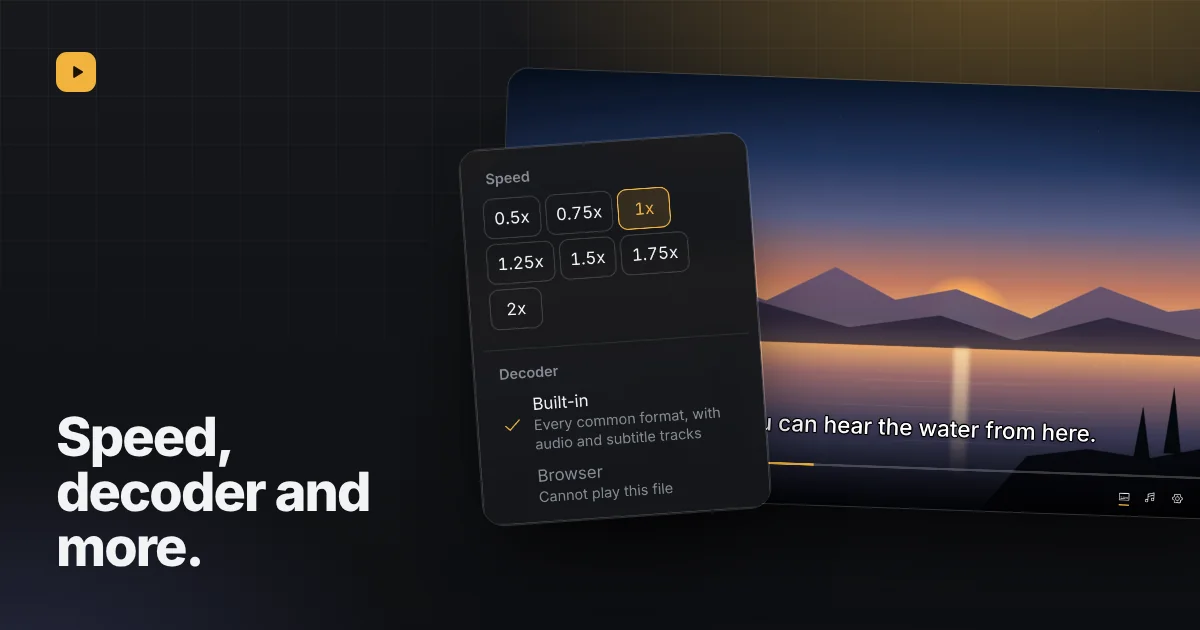
Guide4 min read
Speed, decoder and picture in picture: the player’s settingsPlay from 0.5x to 2x, choose a decoder, and keep a video going in a corner or above other apps.Read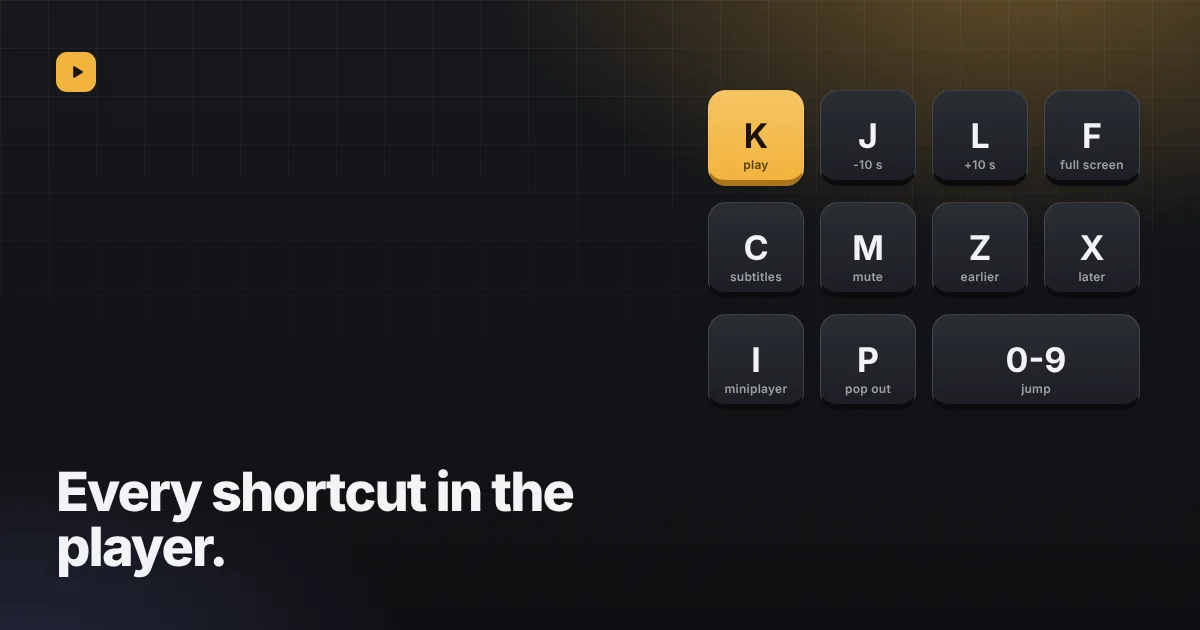
Reference3 min read
Every keyboard shortcut in the playerThe full list, from K, J and L to moving subtitles with Z and X.ReadYour videos are already in Telegram. Press play.
Sign in by scanning a QR code or with your phone number. Reelbox is free, has no ads and keeps nothing on a server.