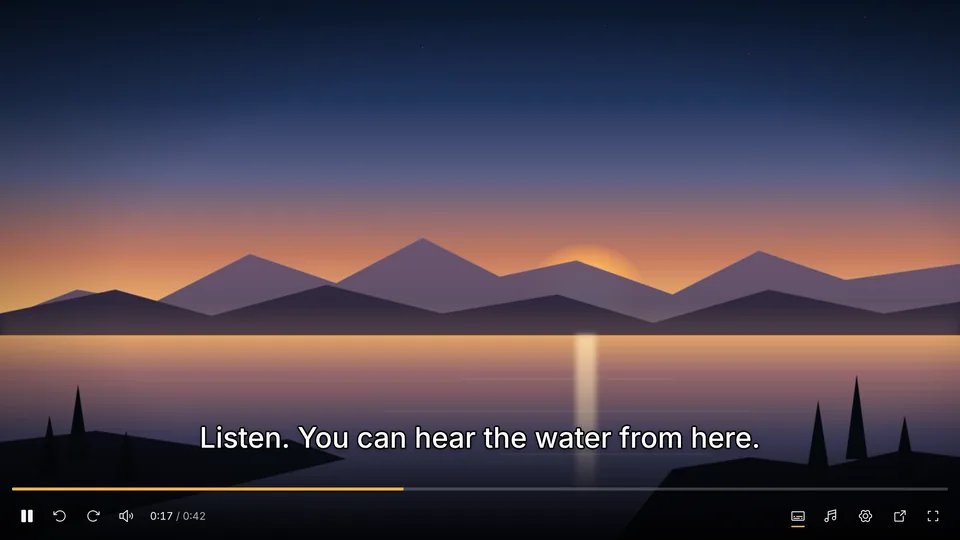
Starts in seconds
Nothing to download
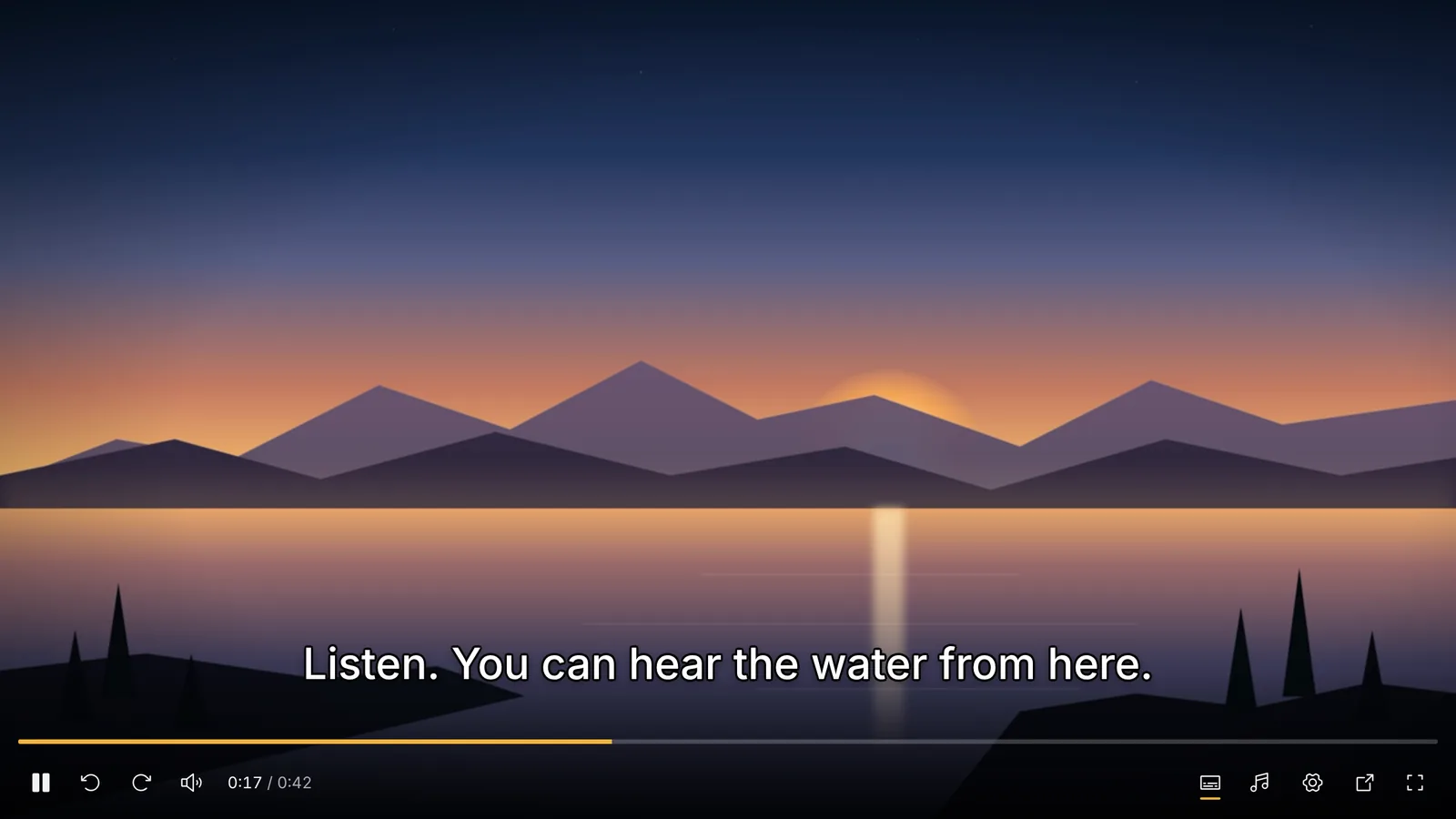
The video streams from Telegram while you watch. Skip ahead and it fetches from that point; nothing is saved to your device.
Press play and the video streams from your own chats as you watch. MKV, HEVC, several audio tracks and subtitles play right in the browser.
 Streams as you watch
Browsers play a few kinds of video. We built our own player so the rest play too, with every track inside the file.
The video streams from Telegram while you watch. Skip ahead and it fetches from that point; nothing is saved to your device.
Matroska files, HEVC and AV1 video, and AC-3, DTS or TrueHD sound, with no plugin or app to install.
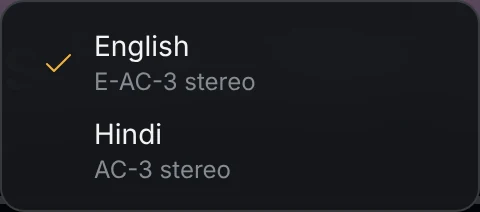
Switch the language or the commentary track, and the choice is picked again for the next video.
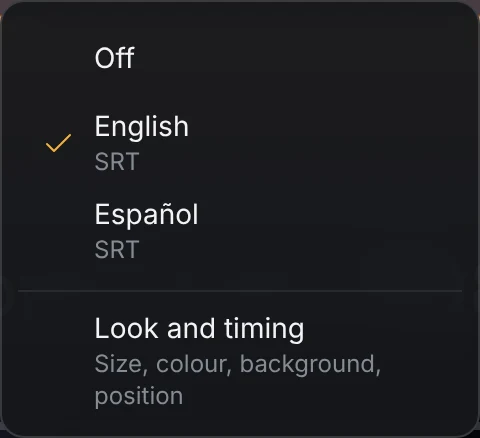
Tracks from the file or found online, in the size, colour and position you choose. Z and X fix lines that arrive early or late.
The shortcuts of the big video sites. Leave the page and the video keeps playing in a corner, or pop it out above your other apps.
Reelbox has no server that sees your account or your videos. Your session and your history stay in this browser.
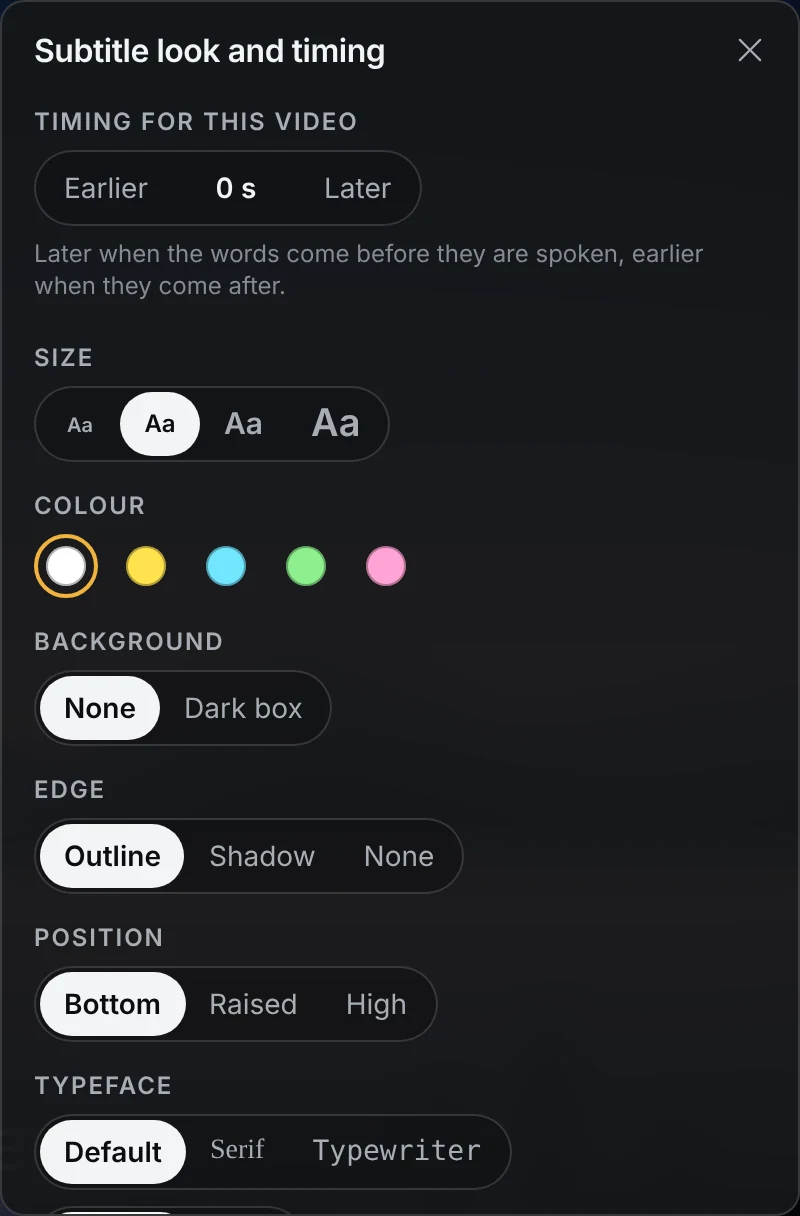
Pick a track from the file or find one online, then set it up the way you like. The look applies to every video.
Reelbox shows what is already in your Telegram account: your chats, groups, channels and Saved Messages. There is no catalogue and no feed, so a new account shows an empty list.
No. Reelbox has no catalogue, library or feed of its own and hosts no videos. It only plays what is already in your own Telegram account: your chats, groups, channels and Saved Messages. A new Telegram account with no videos in it shows an empty list.
Yes. There are no ads, no paid tier and no Reelbox account. It is made by one person, and if it helps you, you can buy them a coffee.
Your phone number, the code and your two-step verification password go straight from your browser to Telegram. No other server receives them.
Telegram then creates a session for Reelbox, as it does for each of your devices. The session is kept in this browser only. You can see it and end it at any time in Telegram under Settings, Devices.
No. Press play and the video streams from Telegram as you watch, usually starting within a few seconds. Skip ahead and it fetches from that point, so you never wait for the whole file.
Nothing is written to your disk or copied to a server. The part being played is held in memory, and closing the tab lets it go.
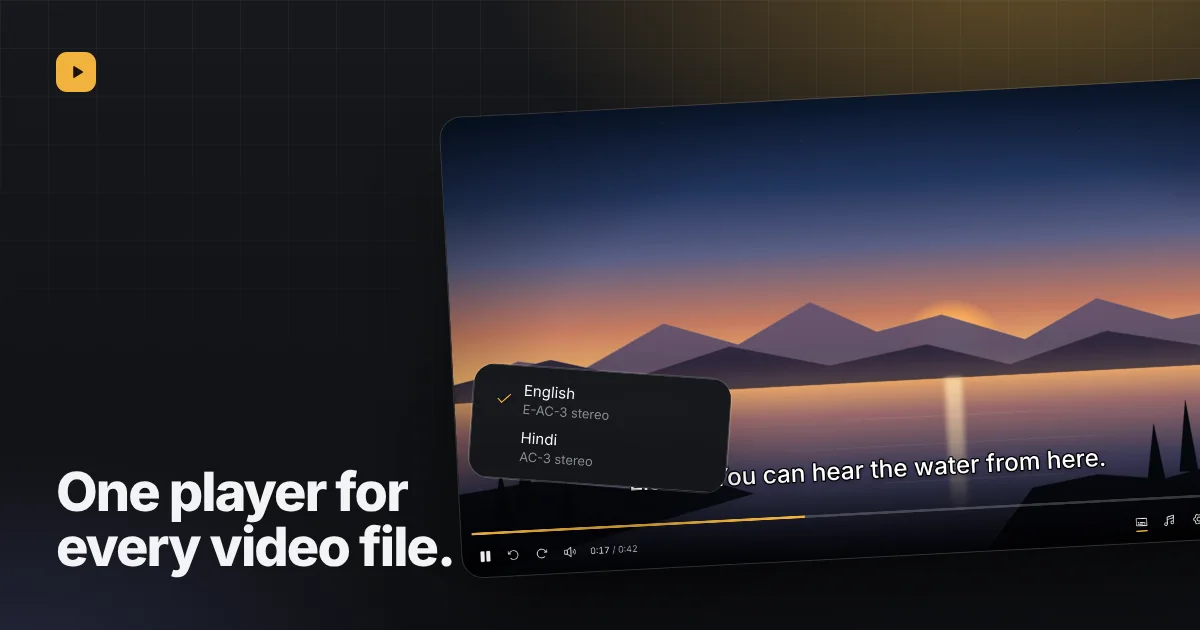 Why we built our own video player for Telegram filesBrowsers play a short list of formats. Our player opens the rest, with every audio and subtitle track in the file.
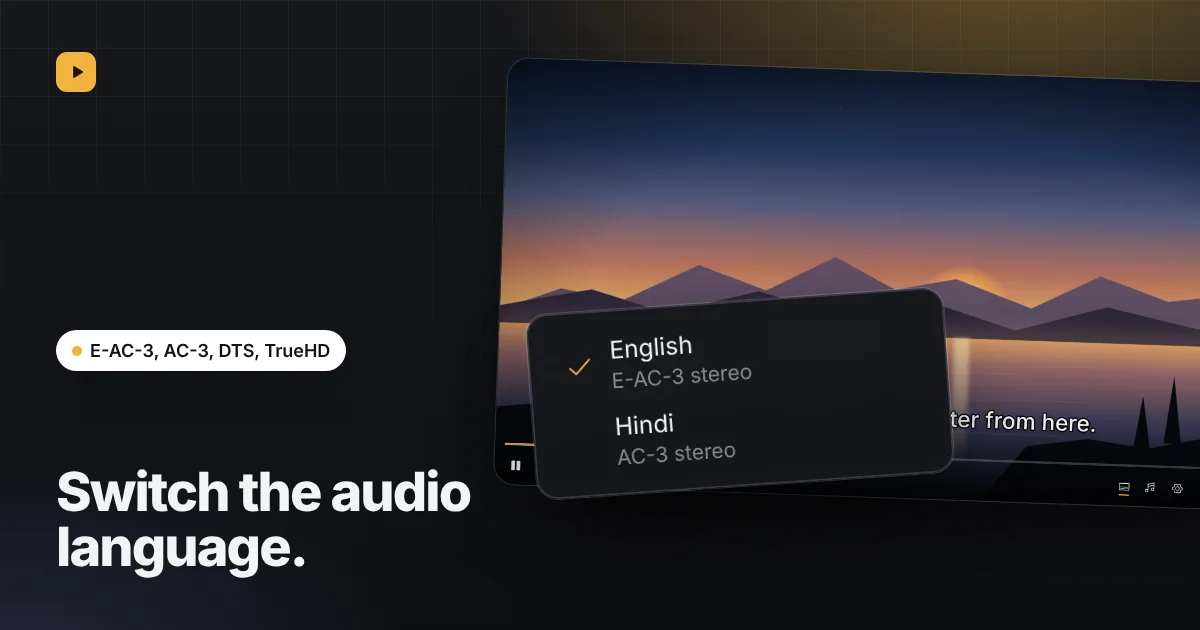 Switching audio tracks and languages in a videoMany files carry more than one audio track. How to see them, switch between them, and have your language picked next time.
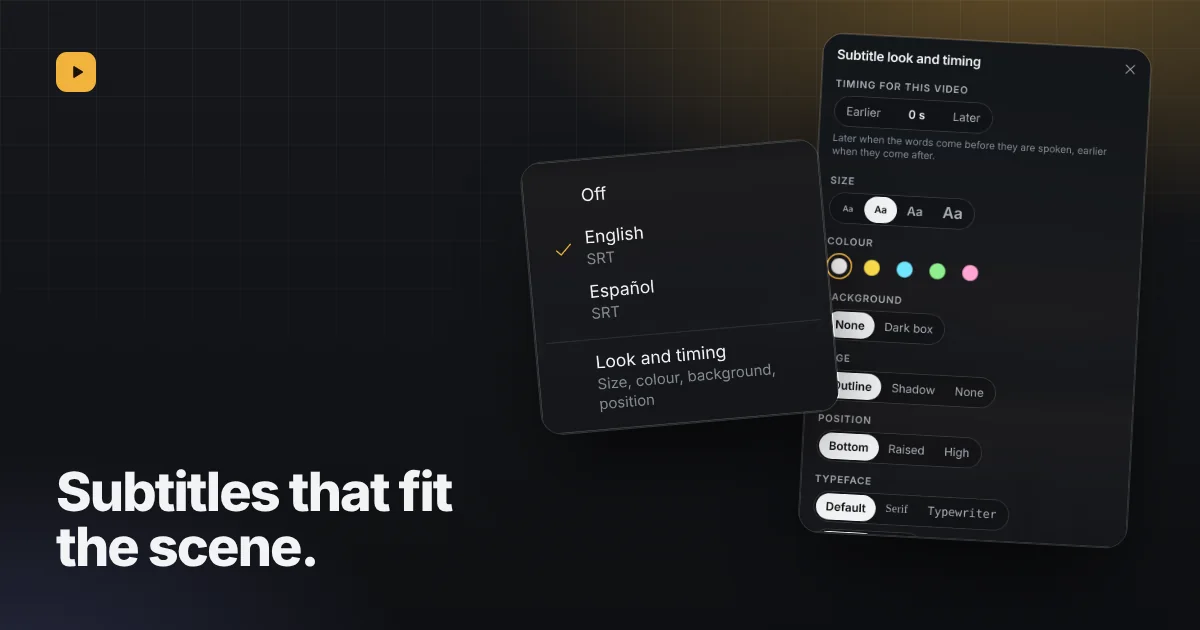 Subtitles in the player: turn them on, find them, fix themTurn on tracks stored in the file, find matching ones online, and fix lines that arrive early or late.
Sign in by scanning a QR code or with your phone number. Reelbox is free, has no ads and keeps nothing on a server.